

Every building tells a story, and most of it is written on clipboards, in photo folders and in emails that nobody can find three months later. Building inspection software replaces that scattered trail with one digital record: what was checked, what was found, who has to fix it, and proof that it was done.
This guide explains what building inspection software is, who uses it, which features actually matter, and how to choose a tool your team will still be using a year from now.
See it on one of your own buildings
Run one real inspection with us and get the finished report before the call ends.
What is building inspection software?
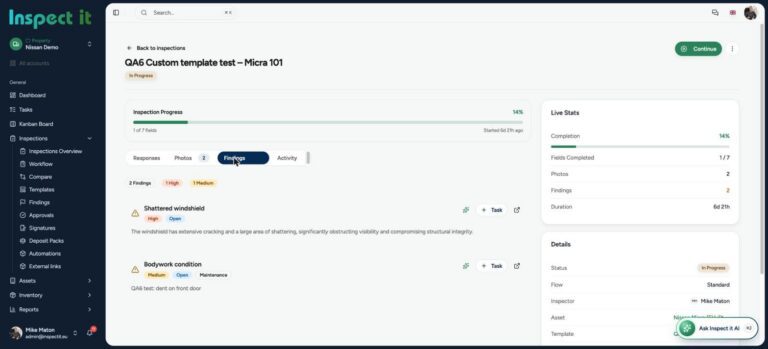
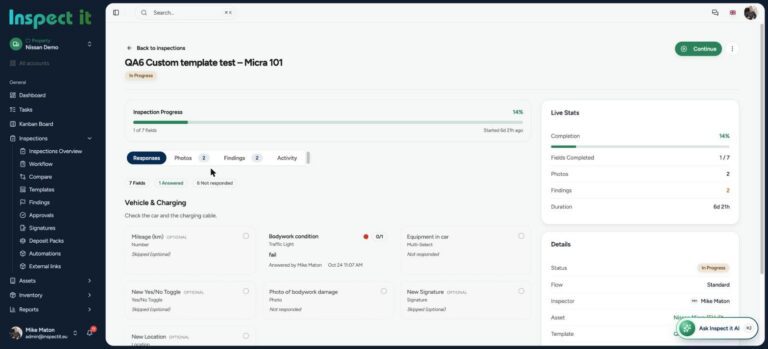
Building inspection software is a digital platform, usually a mobile app paired with a web dashboard, that lets inspectors, property managers and contractors carry out inspections on site, capture photo evidence, record defects, assign corrective actions and generate reports automatically.
Instead of writing notes and rebuilding them into a document back at the office, the report is created as you walk the building. Every finding is time-stamped and backed by a photo.
- Routine condition inspections of commercial and residential property
- Move-in and move-out inspections
- Construction snagging and handover inspections
- Fire safety, health and safety and compliance checks
- Facility and asset inspections: HVAC, lifts, roofs, electrical
- Insurance and pre-purchase surveys
Who uses it?
Property managers and facility managers need a repeatable way to inspect a portfolio, prove compliance and chase contractors.
Developers and construction teams use it for snagging, quality assurance and handover, where every unresolved defect costs money and goodwill.
Inspection and surveying companies use it to deliver professional reports faster and handle more jobs with the same staff.
Housing associations and public bodies use it to document condition across thousands of units and demonstrate duty of care.
Why paper and spreadsheets fail
Teams usually move to software after one of these moments:
- A defect was reported, but nobody can prove when, or whether it was ever fixed.
- A report took two days to write up after a two-hour inspection.
- A contractor disputed a finding because the photo had no date, location or context.
- An auditor asked for last year’s inspection records and they were on a former employee’s laptop.
Digital inspection removes each of these failure points by design. For the full numbers, see paper vs digital inspections: what paper really costs you.
The features that actually matter
There are dozens of inspection apps, and most of them list the same features. These are the ones that make a difference in daily use.
1. Mobile-first inspections that survive a bad signal
Basements, plant rooms and new builds rarely have coverage. Test how the app behaves with no connection, and whether anything is lost when it syncs.
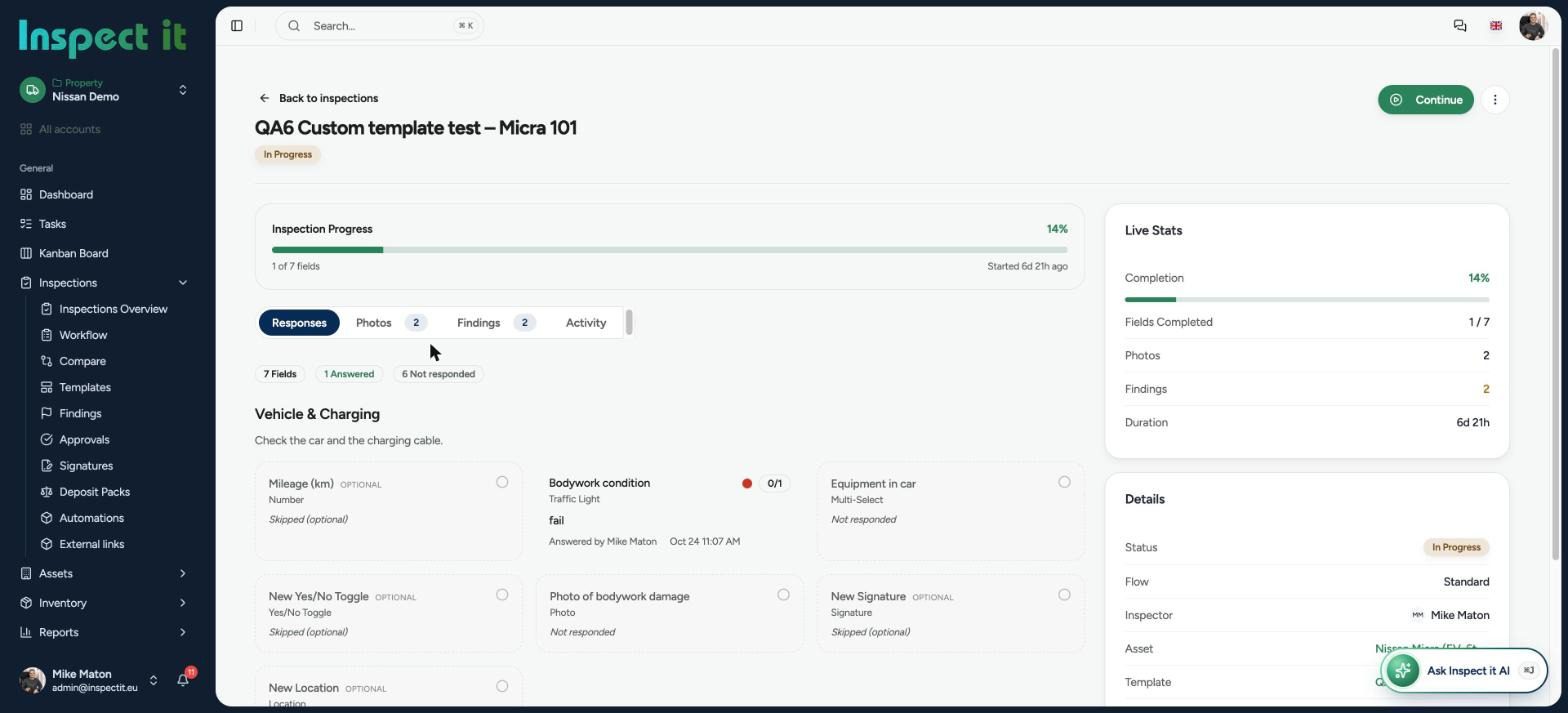
2. Photo evidence attached to the finding
Every finding should carry a photo with the date, time and inspector attached. A marked-up photo of a crack or a missing fitting saves a paragraph of explanation.

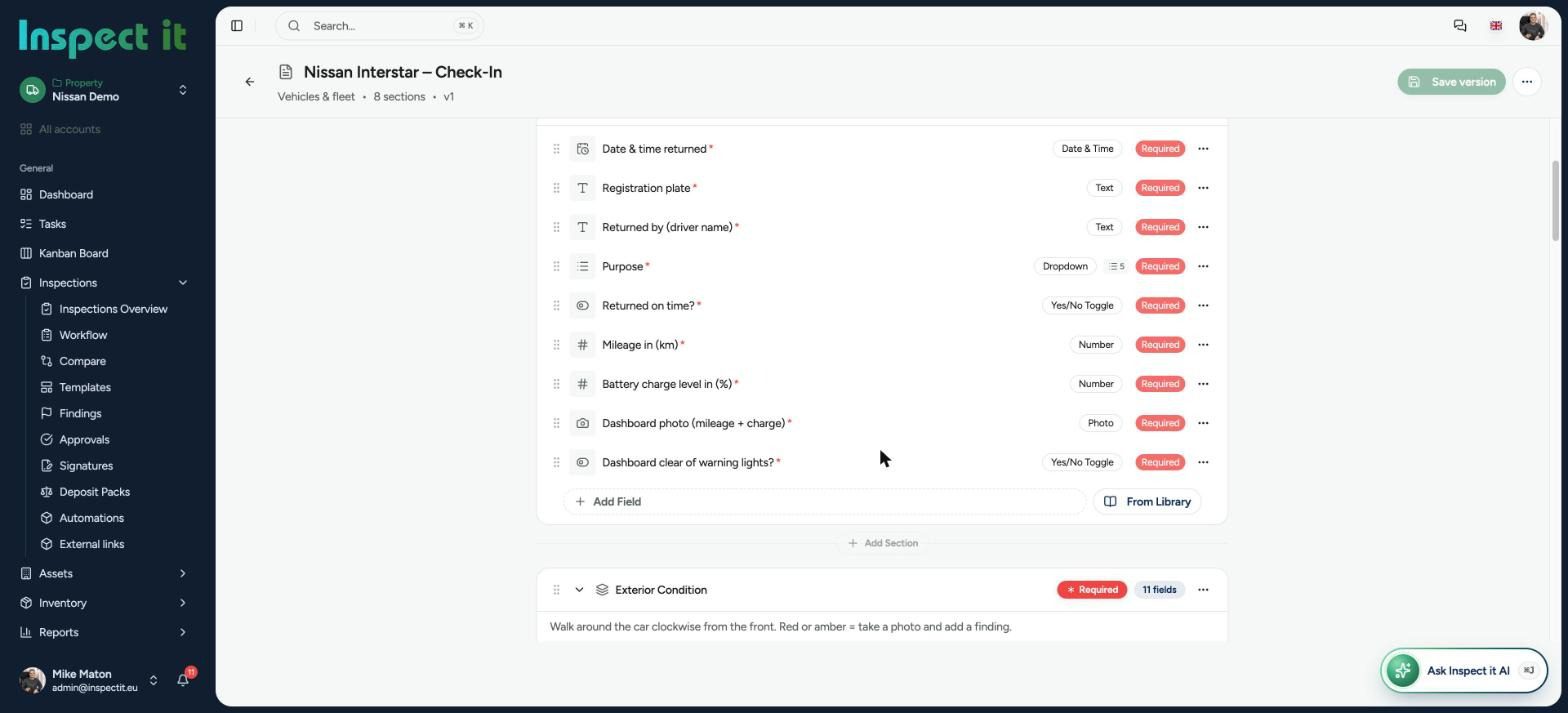
3. Templates you can build yourself
A fire door check is not a roof inspection. Look for templates you can create and edit without a consultant, with required fields and your own answer types.
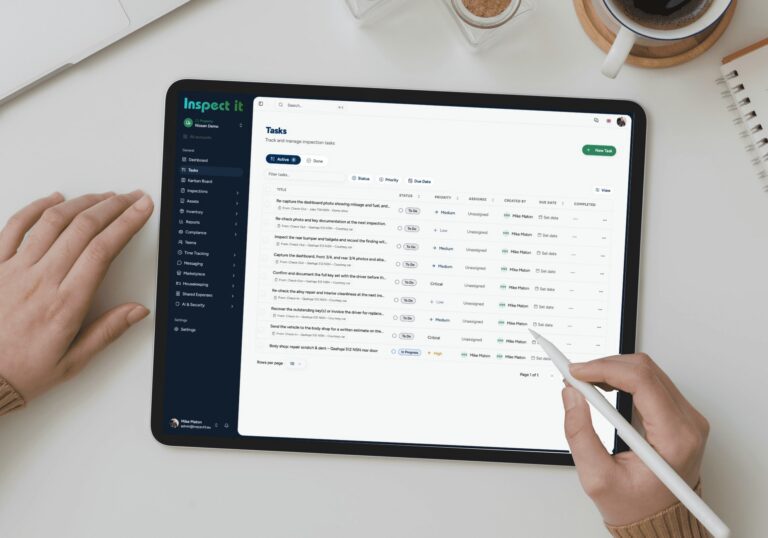
4. Assigned actions and follow-up
Finding a defect is half the job. The software should let you assign it to a person or contractor, set a deadline, and track it to completion.
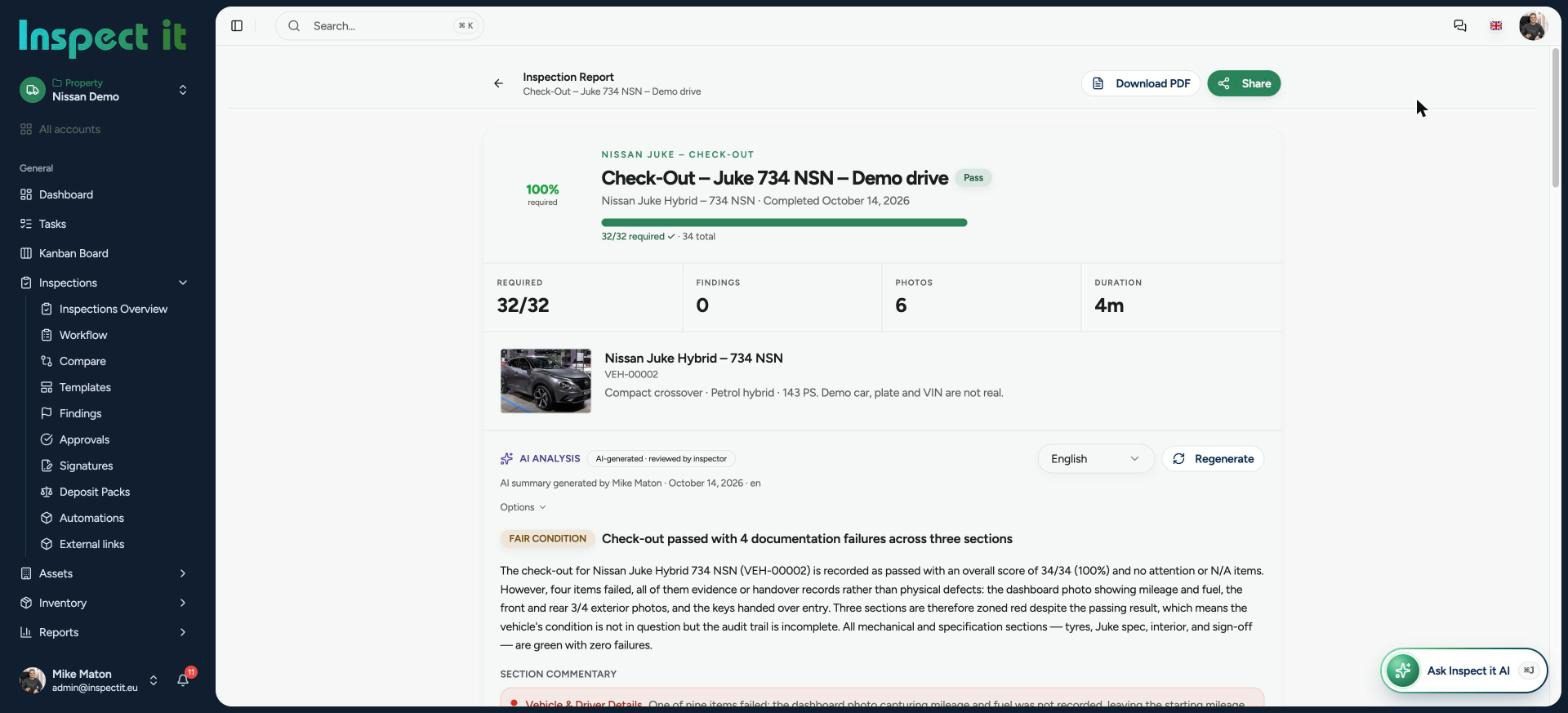
5. Automatic, professional reports
The report should be ready the moment the inspection ends: branded, consistent and exportable as PDF. AI-assisted writing, which turns findings into clear narrative text, is now the difference between a good tool and a great one.
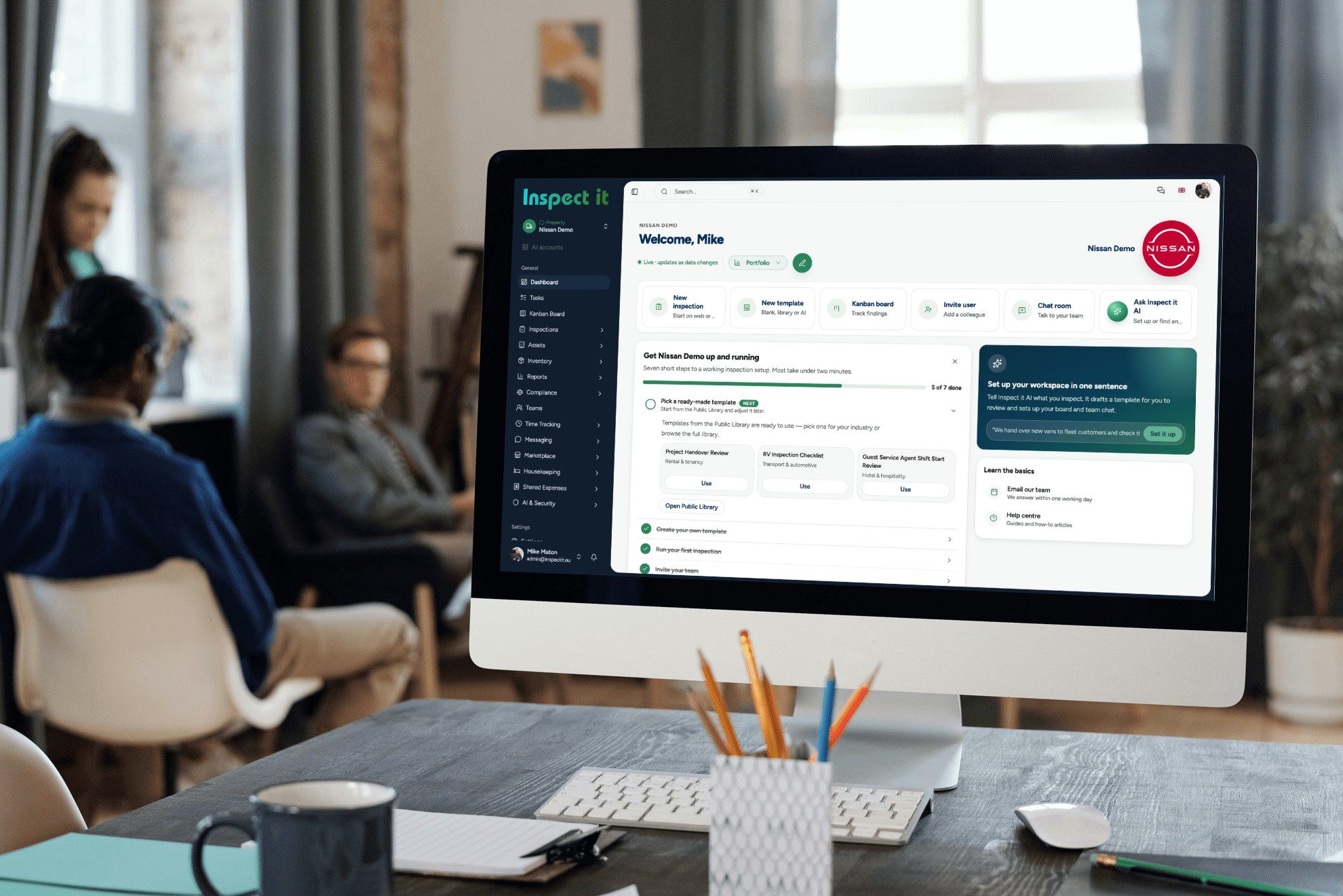
6. Portfolio dashboard and history
You should be able to see the condition of every building, open actions by priority, and the full inspection history of any asset in a few clicks.
7. Multi-industry flexibility
Many teams inspect more than buildings: vehicles, equipment, sites, vessels. A platform that handles several industries avoids running three different apps.
8. Security, GDPR and data location
For European organisations, GDPR compliance is not optional. Ask every vendor where your data is stored and who can access it.
9. Pricing you can predict
Ask what it costs for your team today and what it costs when the team doubles, including setup and template-building fees.
How building inspection software works in practice
- Set up a template: choose or build a checklist for the inspection type.
- Walk the building: answer each item on your phone or tablet, take photos, add notes.
- Log findings: mark defects with severity and category.
- Assign actions: send each defect to the responsible person with a due date.
- Generate the report: the system compiles everything into a branded report.
- Track to closure: the dashboard shows what is still open.
- Re-inspect: the next inspection builds on the last, so trends become visible.
How to choose the right tool
Ask these questions before you commit:
- Can we build our own templates without paying for professional services?
- What happens when there is no signal on site?
- Can we assign actions to external contractors?
- How long does it take to produce a finished report after the inspection?
- Where is our data stored?
- Can it cover our other inspection types, not just buildings?
- What does it cost at 5 users, and at 50?
Then run a two-week pilot on one real building with two inspectors. If they stop using it by week two, it is the wrong tool, whatever the feature list says.
Popular building inspection tools compared
| Tool | Best for | Focus |
|---|---|---|
| Inspect it | Property, facility and multi-industry teams in Europe | Photo evidence, assigned actions and AI-assisted reports across many industries |
| Proptech Labs | Residential property managers | Routine, ingoing and outgoing inspections, including 360° imagery |
| Zutec | Construction and asset owners | Quality assurance, snagging, handover and building information |
| GoAudits | General audits | Checklists and audit reporting across sectors |
| Property Inspect | Property inspections and inventories | Inspection reports for property teams |
Building inspection software in the Baltics and Nordics
Most inspection tools are built for the UK, US or Australian markets. Teams in Estonia, Latvia, Lithuania, Finland and Sweden often need local-language support and a vendor who understands the region. Inspect it is built in Estonia for European property and facility teams, and covers other industries from the same platform.
Ready to stop writing reports by hand?
Move your most frequent building inspection to digital first and compare the result.
Free checklist templates
Print these or run them in Inspect it:
- Commercial building inspection checklist
- Roof inspection checklist
- Fire door inspection checklist
- Fire extinguisher inspection checklist
- Apartment handover checklist
Frequently asked questions
What is the difference between building inspection software and a checklist app?
A checklist app records answers. Inspection software adds photo evidence, defect tracking, assigned actions, reports and history across a portfolio.
Can building inspection software work without a signal?
Good tools let you keep working when coverage drops and sync when it returns. Always test this on your own site before you buy.
How much does building inspection software cost?
Most tools charge per user per month, and enterprise plans are usually priced on portfolio size. Ask for the price at your current team size and at double that.
Is AI reliable for inspection reports?
AI is very good at turning structured findings into clear, consistent text. The inspector still decides what is a defect and how severe it is.
Do I need special hardware?
No. A phone or tablet is enough. 360° cameras and drones can be added for specific use cases.
Want ready-made templates to start from? See our free inspection checklists, the snagging and defect management guide and the asset inspections guide.
Start with one building
The fastest way to understand the value is to run your next inspection digitally.