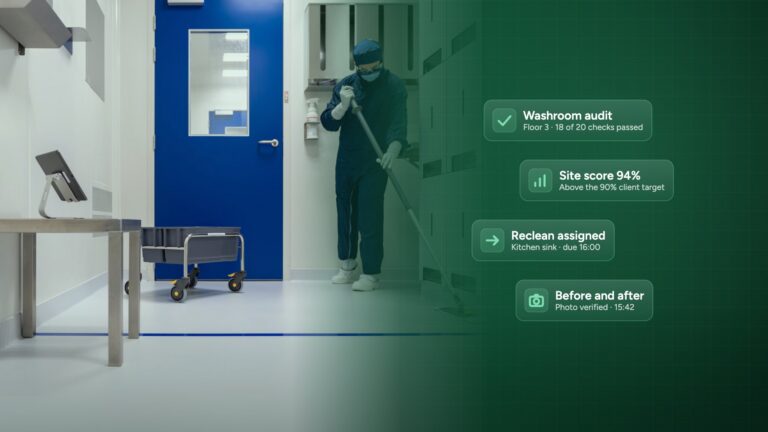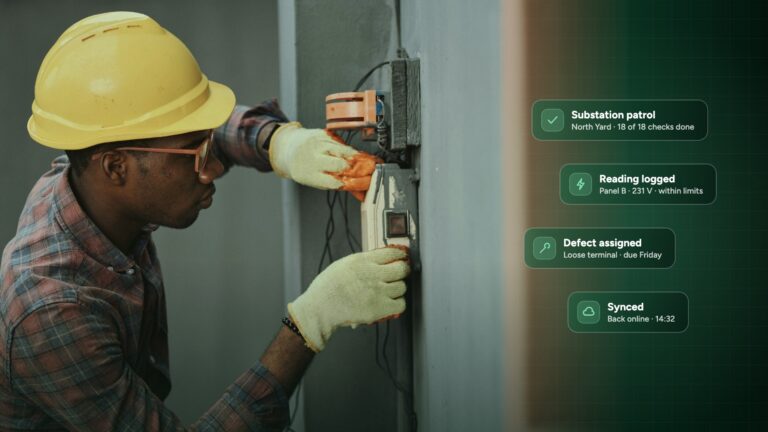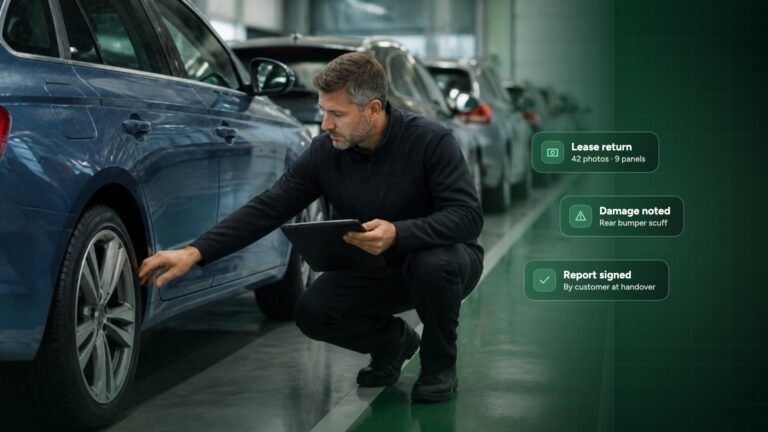


Paper inspections feel free. A clipboard costs nothing, and everyone knows how to use one. Then the report is due: the handwriting can’t be read, the photos are on someone’s phone, and a client disputes what was found. Suddenly the free clipboard has cost you an afternoon and a relationship.
This guide compares paper vs digital inspections honestly. You’ll see what paper really costs, where digital inspection software genuinely wins, and the two cases where it doesn’t. Whether you inspect properties, marinas and boats, facilities or assets, the maths is the same.
Want to see the difference on a real inspection?
Run one inspection with Inspect it and compare the time to your paper process.
The short answer: paper vs digital inspections
- Paper is cheapest per inspection, and most expensive per report. The cost sits in the admin after the walk-round.
- Digital wins when you inspect often, in teams, or need proof. One-off inspections by a single person are the exception.
- The biggest gain is evidence. Time-stamped photos tied to each finding settle disputes quickly.
What paper inspections really cost: a 5-minute calculation
Use your own numbers. For one inspector:
- Inspections per month × minutes spent writing up each one = write-up time.
- Add time spent finding and attaching photos.
- Add time spent fixing unclear entries and chasing the inspector for answers.
- Multiply total hours by your hourly cost.
Example: 20 inspections a month × 45 minutes of write-up, plus 15 minutes of photo handling each, is 20 hours a month. At €30 an hour that is €7,200 a year for one inspector, before any rework. Swap in your own numbers.
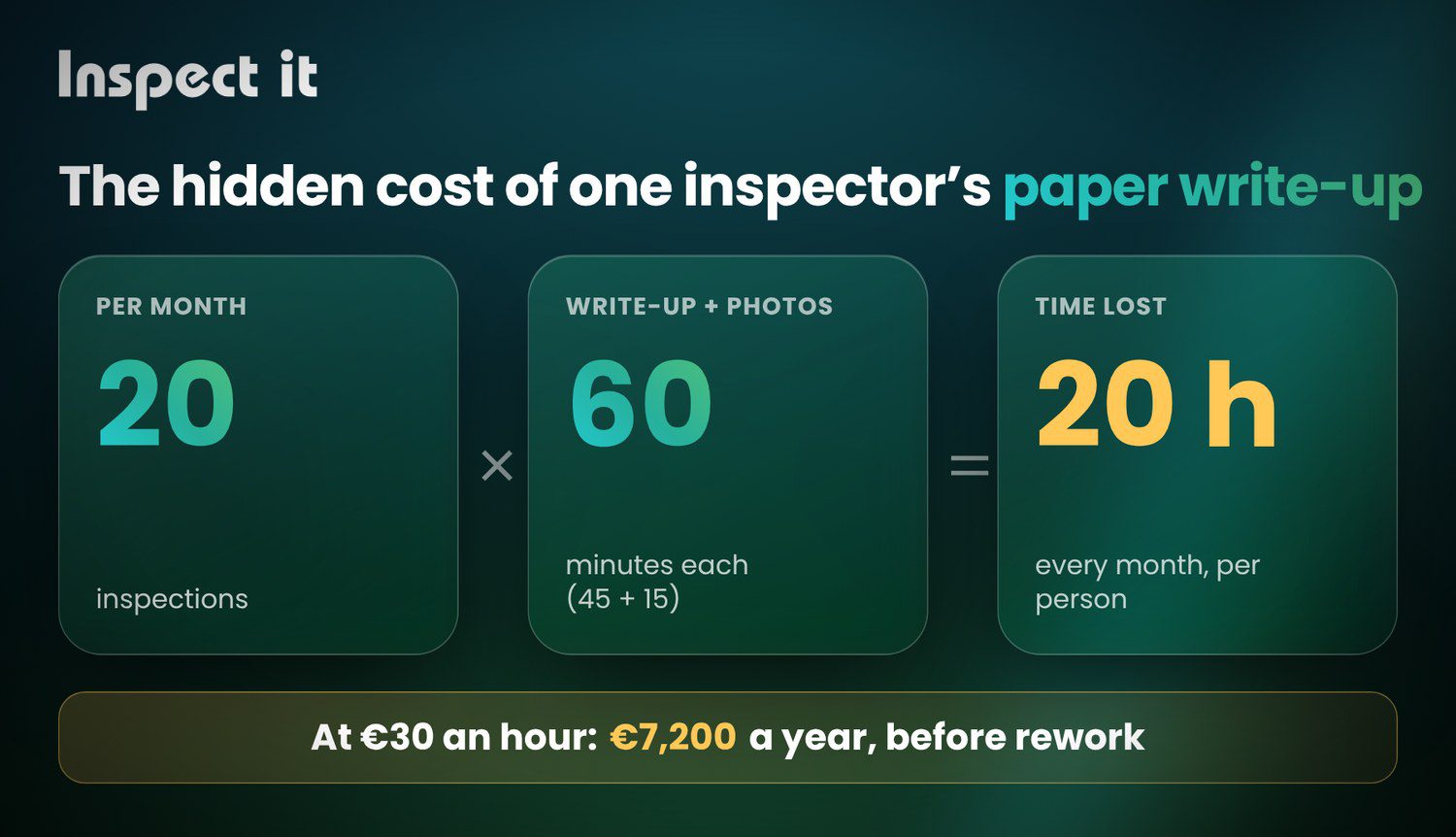
Most teams find the write-up takes longer than the inspection itself. That is the part digital removes, because the report builds as you inspect.
Paper vs digital inspections: an honest comparison
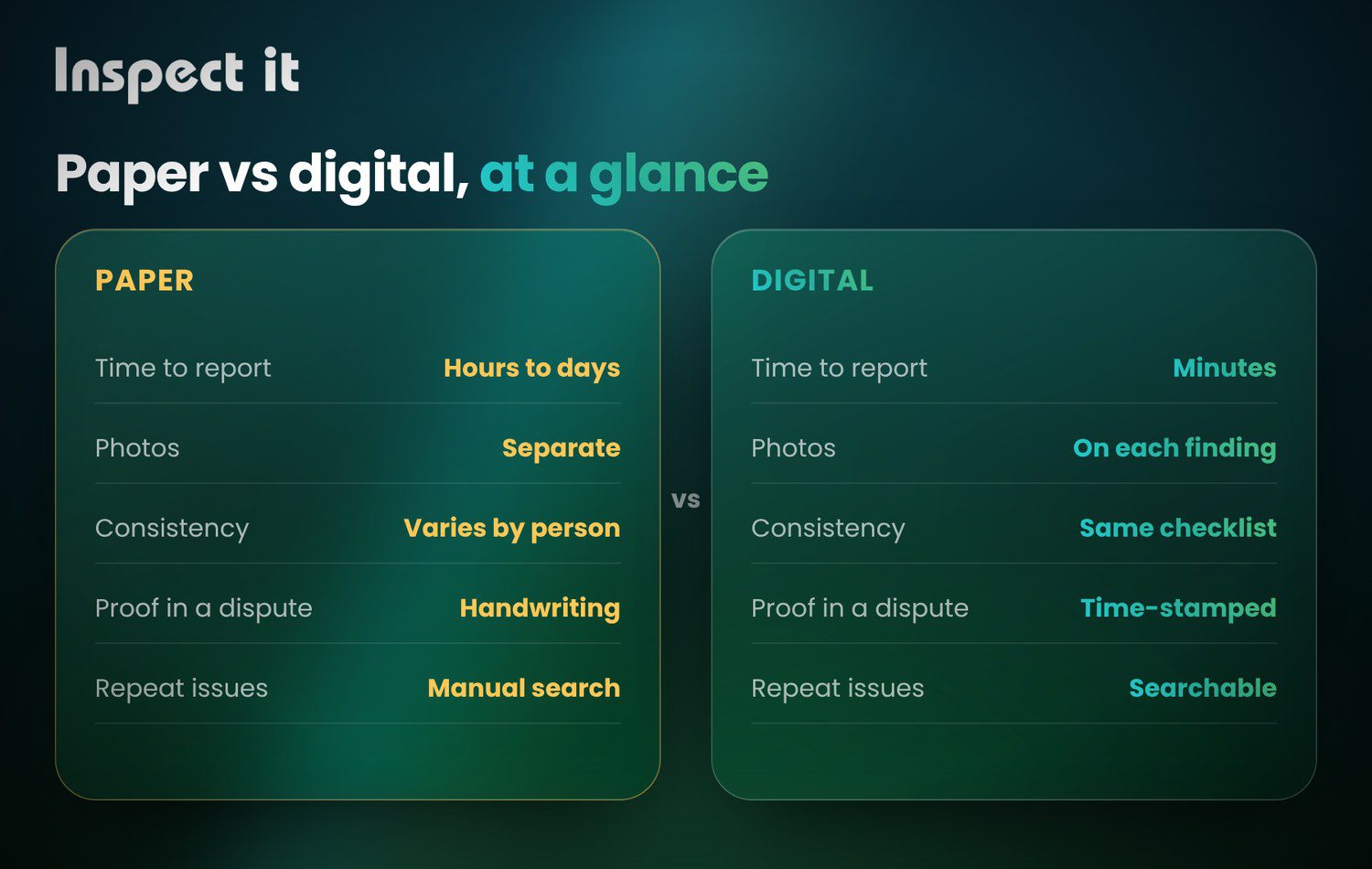
| Paper | Digital | |
|---|---|---|
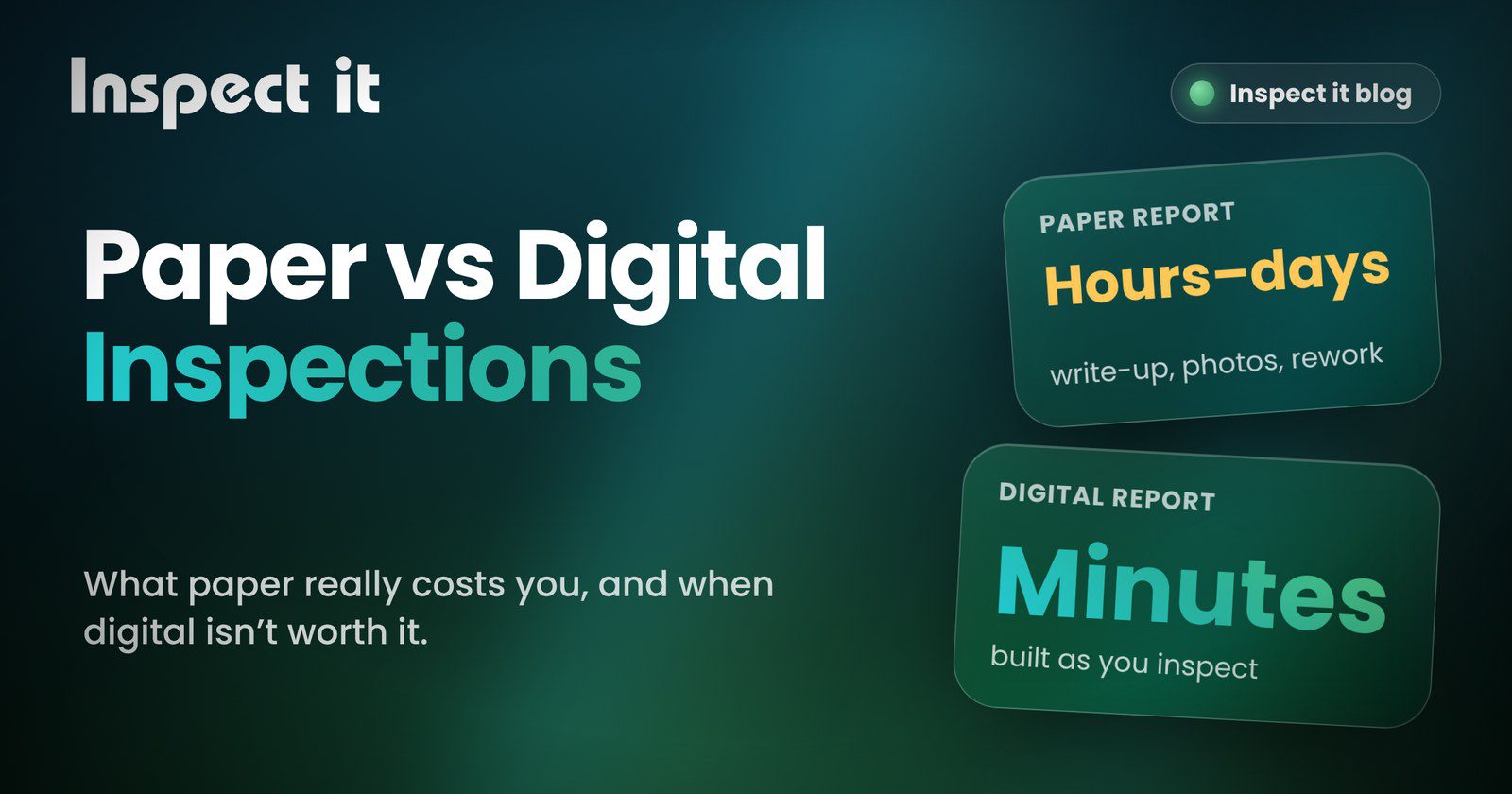
| Speed to finished report | Hours to days | Minutes, as you inspect |
| Photos | Separate, easy to lose | Attached to the exact finding |
| Consistency | Depends on the person | Same checklist every time |
| Proof in a dispute | Handwriting and memory | Time-stamped record |
| Tracking repeat issues | Manual searching | Searchable history |
| Setup effort | None | Start with one checklist, same day |
| Works without signal | Yes | Depends on the tool: confirm offline mode before you buy |
| Cost | Low upfront, high hidden | Subscription that scales with your team |
Where digital inspection software wins
1. The report is done when the inspection is
No evening of typing, no deciphering notes.
2. Evidence you can stand behind
Findings, photos and timestamps sit together. For move-in and move-out checks, marina condition surveys or compliance audits, that record is what settles the argument.
3. Nothing slips through
Required fields stop a checklist being left half done.
4. You can see patterns
The same leak, the same failed fire door, the same asset: history makes repeat problems obvious, so you fix causes and not symptoms. Photo analysis can help here too: see what AI catches in inspection photos and how Inspect it uses AI.
5. Teams stay consistent
Every inspector follows the same standard, whoever is on shift.
“Inspect it has made it much easier to manage inspections and follow-up tasks across the marina. We can record issues, add photos, assign tasks to the right team member, and chat about the work directly in the app.”Niklas Jansson, Kõiguste Marina · Read the full story
Ready to stop writing reports twice?
Move your most frequent inspection onto Inspect it and send the report before you leave site.
When digital inspections are not worth it
We would rather tell you this now than lose your trust later.
- You inspect rarely and alone. A handful of inspections a year with one person may not repay the switch.
- Your site has no signal and your tool can’t work offline. Always test offline use before you commit.
If neither applies to you, the rest of this guide matters.
What to look for in inspection software
Ask every vendor, us included:
- Can I build or adapt checklists for my industry without a developer? (Inspect it covers hospitality, manufacturing, Airbnb and many more.)
- Does it work offline and sync later?
- Are photos attached to individual findings, not dumped in a gallery?
- Can I send a branded report straight to the client?
- Can I see history and trends across sites and assets?
- How fast can a new inspector be productive?
- What does it really cost at my team size?
How to switch to digital inspections in 30 minutes
- Pick one inspection type, your most frequent one.
- Copy your paper checklist into a digital template.
- Run one real inspection side by side with paper.
- Compare the time from walk-round to sent report.
- Roll out to the team once the numbers speak for themselves.
Want more templates and walkthroughs? Browse the Inspect it guides and the industry articles.
Frequently asked questions about paper vs digital inspections
Is digital inspection software hard to learn?
If your inspectors use a smartphone, they can use it. Most teams run their first real inspection on day one, using a checklist copied from their paper form.
Will my inspection reports still look professional?
Yes. Reports can carry your branding and your photos. Each finding sits next to its photos, so clients see the evidence, not just a list.
What if there’s no internet on site?
Capture findings and photos on site, then sync when you’re back in range. Ask us for a quick walkthrough of offline mode for your setup.
Does it work outside property inspections?
Yes. Inspect it supports proptech and property management, marinas, facilities and asset inspections, and many more industries. See all features and tools.
How much does inspection software cost?
Pricing depends on your team size and the inspections you run. Book a short demo and we’ll give you a clear quote, with no surprises.
See the difference on one real inspection
The quickest way to judge paper against digital is to run one inspection each way and compare the time. We’ll set up your first checklist with you.
Prefer to look around first? Browse inspection software for property, facilities, yachts and marinas and more at inspectit.eu.