

Key takeaways
Reading time: 6 minutes. Consistent, photo-backed site inspections catch small faults before they turn into outages.
- Most site failures start as small, visible defects: an oil weep, a damaged fence, vegetation creeping towards live equipment.
- Paper forms lose findings because photos, readings and owners end up in different places.
- A good checklist covers access, equipment condition, readings, environment, safety and follow-up.
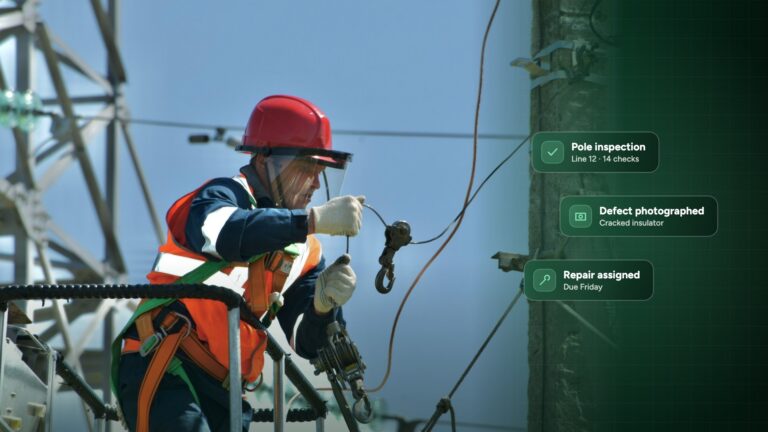
- Every defect needs a photo, an asset ID, a priority, an owner and a due date, or it will not get fixed.
Energy and utility assets rarely sit next to the office. A substation on the edge of town, a solar park in a field, a wind farm on a ridge, a pumping station at the end of a farm track. Someone drives out, walks round, looks for problems and writes down what they find.
That routine visit is still one of the most effective ways to prevent outages and safety incidents. But only if what gets found actually gets fixed. This guide sets out what a good energy site inspection covers, gives you a practical substation and solar checklist, and shows how to turn findings into tracked repairs. There is also a free PDF checklist you can print or adapt.
Why routine site inspections fail on paper
Most energy and utility teams do not have a problem with effort. Engineers visit sites, and they spot issues. The problem is what happens to those findings afterwards.
- Vague notes. “Transformer looks OK” or “some rust on fence” gives a manager nothing to act on.
- Photos in the wrong place. Pictures sit on personal phones and never reach the report.
- Late write-ups. Forms are typed up days later, from memory.
- No owner. A defect is noted, but nobody is assigned to fix it.
- No history. Without past results, you cannot see if a fault is getting worse.
The result is a folder of completed forms and a list of problems that nobody is tracking.
We look at this shift in more detail in Beyond paper checklists: why digital inspections are changing utility work.

What a good energy site inspection covers
Whether you are visiting a substation, a solar park or a pumping station, a solid routine inspection covers the same six areas:
- Access and security: gates, fencing, locks, warning signs and any sign of intrusion.
- Equipment condition: damage, corrosion, leaks, overheating and missing labels.
- Readings: oil levels, temperatures, pressures, meter and counter readings, with clear limits.
- Site environment: vegetation, drainage, flooding and trip hazards.
- Safety and permits: fire safety equipment, first aid, PPE, lockout/tagout and permits to work.
- Findings and follow-up: photos, asset IDs, priorities and who will fix what.
Keep the checklist short enough to finish on every visit, and specific enough that two engineers would record the same result.
Substation inspection checklist
Use this as a starting point for routine visual patrols. Adapt it to your own equipment, procedures and maintenance policy.
- Perimeter fence, gates and locks secure and undamaged
- Danger and warning signs in place and readable
- No signs of intrusion, theft or vandalism
- Transformers: no oil leaks, oil levels and temperatures within limits
- Breathers and silica gel in good condition
- Switchgear, panels and cabinets closed, locked and labelled
- Bushings, insulators and connections free of visible damage or tracking
- Earthing and bonding connections intact
- Batteries, chargers and auxiliary supplies healthy
- Drainage clear, no standing water or oil in bunds
- Vegetation cut back from equipment and structures
- Fire extinguishers and first aid in place and in date
For solar and wind sites, also check:
- Solar panels free of cracks, soiling, hot spots or shading
- Inverters and combiner boxes show no alarms or faults
- Cable routes, trays and connectors secure
- Turbine tower, nacelle and blades free of visible defects
- Access tracks and crane pads in good condition
- Security cameras and site lighting working
Want it as a printable form? Download the free energy site inspection checklist (PDF).
Start Inspecting
See it run across your energy and utility sites
See how Inspect it works for substations, renewables and utility networks: offline checklists, photo evidence and tracked repairs in one platform.
From finding to repair: close the loop
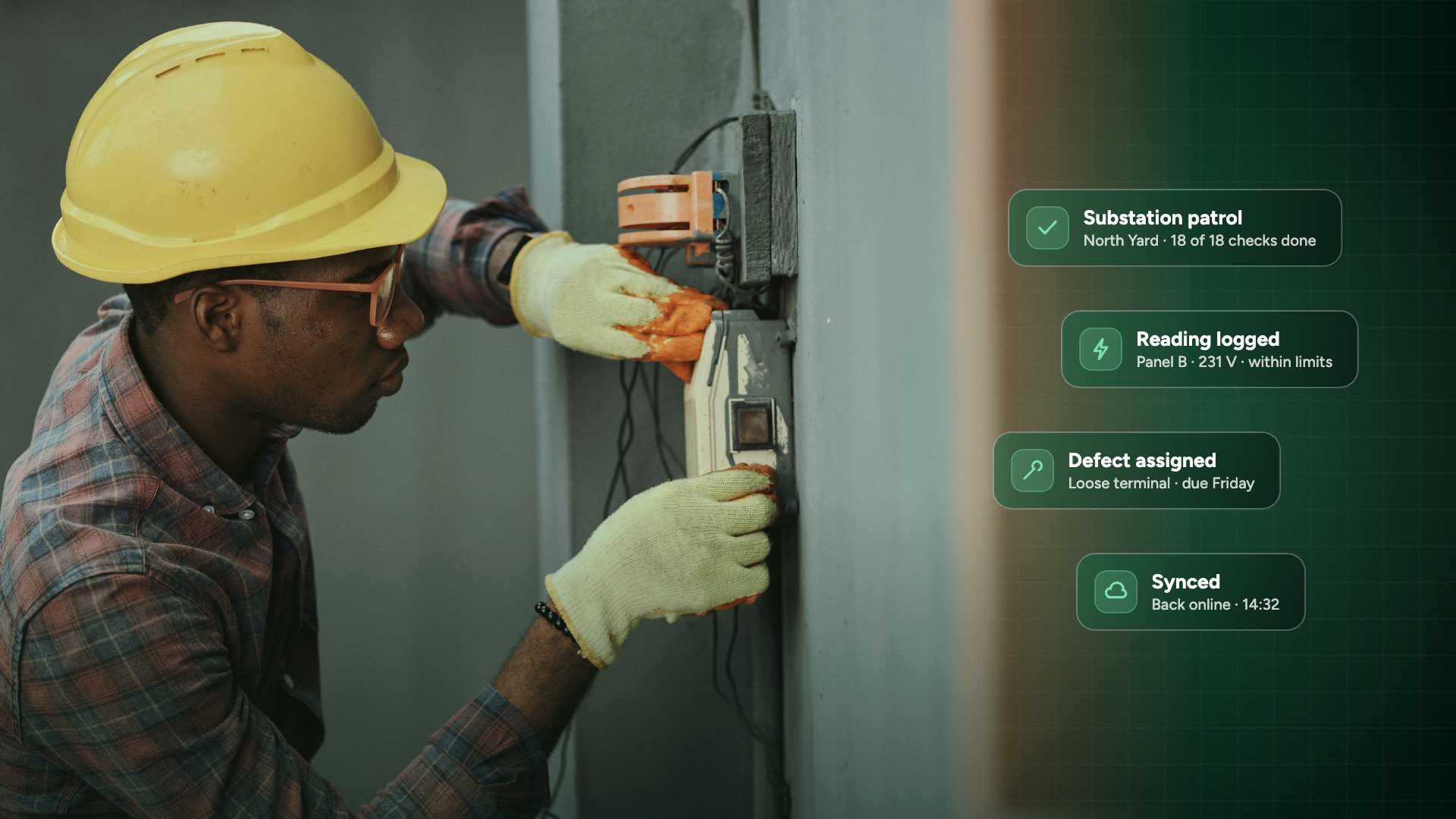
A finding is only useful if it leads to a repair. For every defect, capture five things on site:
- A clear photo, ideally with the asset ID or label in view
- The exact location or asset
- A priority, for example urgent, planned or monitor
- An owner, whether that is an in-house engineer or a contractor
- A due date
Then track it until it is closed, with a photo of the completed repair. When contractors do the work, ask them to sign off in the same system, so you have one record of what was found, who fixed it and when.
This is the workflow our energy and utilities inspection software is built around: every failed check becomes a tracked action with an owner, and nothing drops off the list.
Inspections at remote sites with no signal
Many energy and utility sites have poor or no mobile coverage. Paper works there, which is one reason it survives. A digital checklist needs to work there too.
With Inspect it, engineers complete inspections offline on a phone or tablet. Photos, readings, signatures and notes are stored on the device, then sync automatically when the device is back online. Every record is dated, so you can show exactly when a check was done.
On larger sites, Inspect AI saves even more time: engineers speak their findings and take photos, and Inspect AI turns them into a draft write-up that the engineer reviews and approves before anything is saved.
Energy site inspections: frequently asked questions
How often should a substation be inspected?
It depends on your maintenance policy, the criticality of the site and any rules that apply to you. Many operators combine frequent visual patrols with less frequent detailed inspections and testing. Whatever the interval, the key is to use the same checklist every time so results can be compared.
What should a solar site inspection include?
Check panels for cracks, soiling, hot spots and shading, inverters and combiner boxes for alarms, cable routes and connectors, fencing and security, vegetation and drainage. Record every fault with a photo and the string or asset ID so it can be found and fixed quickly.
Can we use our own inspection checklist?
Yes. You can recreate your existing forms in Inspect it, add pass and fail limits for readings, and make photos or signatures required where you need them. You can also start from a template and adapt it.
Do digital inspections work without mobile signal?
Yes. With Inspect it, inspections are completed offline on a phone or tablet and sync automatically when a connection is available, which suits remote substations, wind farms and pipeline routes.
How do we make sure defects actually get fixed?
Turn every failed check into an action with an owner, a priority and a due date, then track it until it is closed with a photo of the repair. Inspect it for energy and utilities does this automatically from the inspection.
Start with one site, then scale
You do not need to digitise every inspection at once. Pick one site type, for example your substations, turn your current form into a digital checklist, and run it for a month. Compare how many defects were raised, how many were closed, and how long the write-up took.
Once the team trusts the checklist, roll it out to solar, wind, water or gas sites, and start comparing results across your whole network.
Mike
Chief Product Officer, Inspect it
Mike leads product at Inspect it, including the team behind Inspect AI. He works closely with customers to turn everyday inspection problems into features that save time on site and make reports easier to trust.
Explore next: Energy and utilities inspection software for substations, renewables and utility networks. See how Inspect it handles patrols, defects and contractor sign-off, with Inspect AI turning photos and voice notes into draft findings for your team to review.