
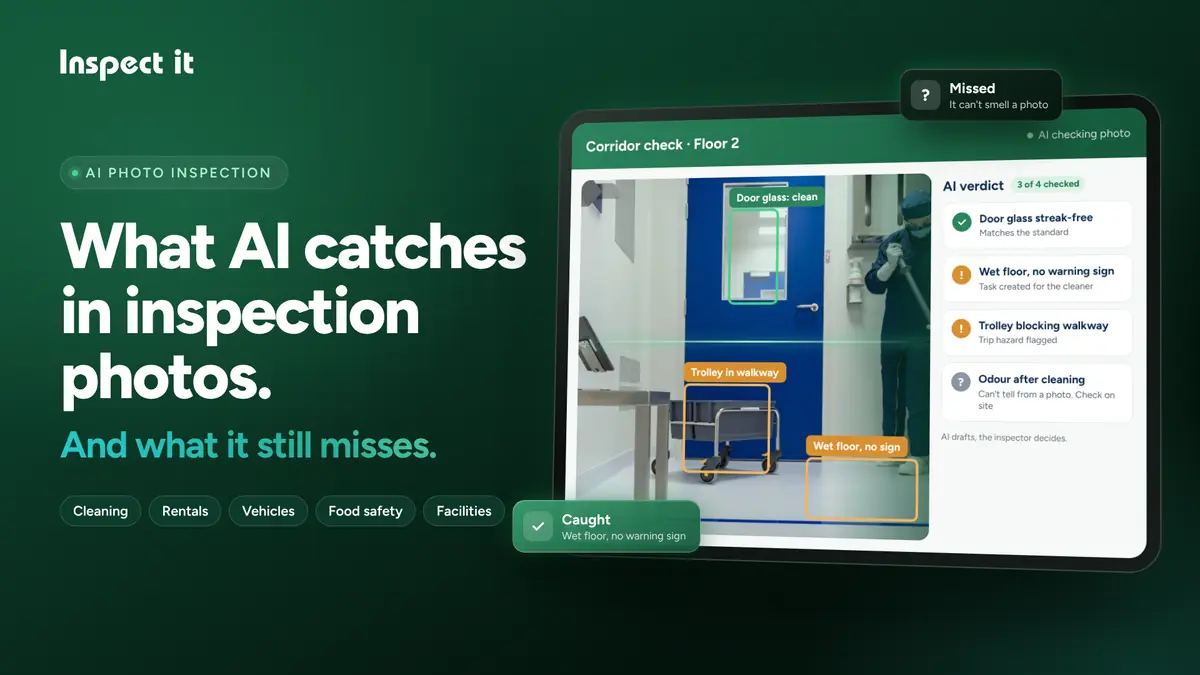
Every inspection software company has added AI in the last year, us included, and most of the marketing makes it sound like it does everything. It doesn’t, and I’d rather you heard that from us than found out on a job.
We’ve had the AI photo check in Inspect it for a while now. Teams use it in washrooms, holiday flats, car yards, kitchens and plant rooms. This is what I’ve seen it do well, where it falls over, and what I’d tell anyone setting it up.
What it's good at
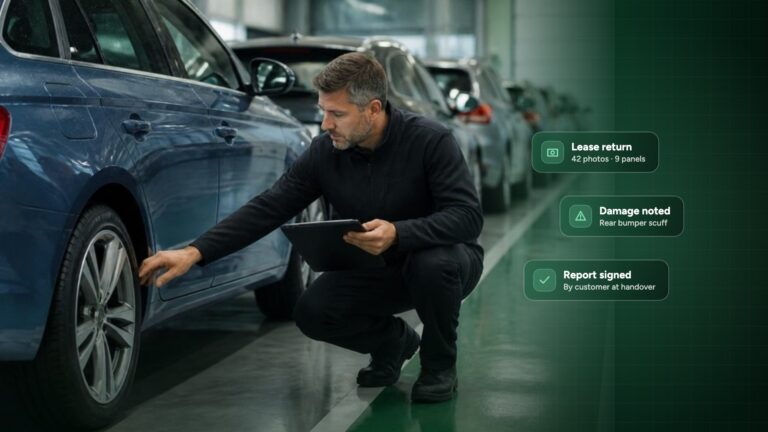
Anything you can clearly see in the photo, as long as the checklist says what “good” looks like. Limescale round a tap. A bin that hasn’t been emptied. A scratch on a door panel. An extinguisher sitting on the floor instead of on its bracket.
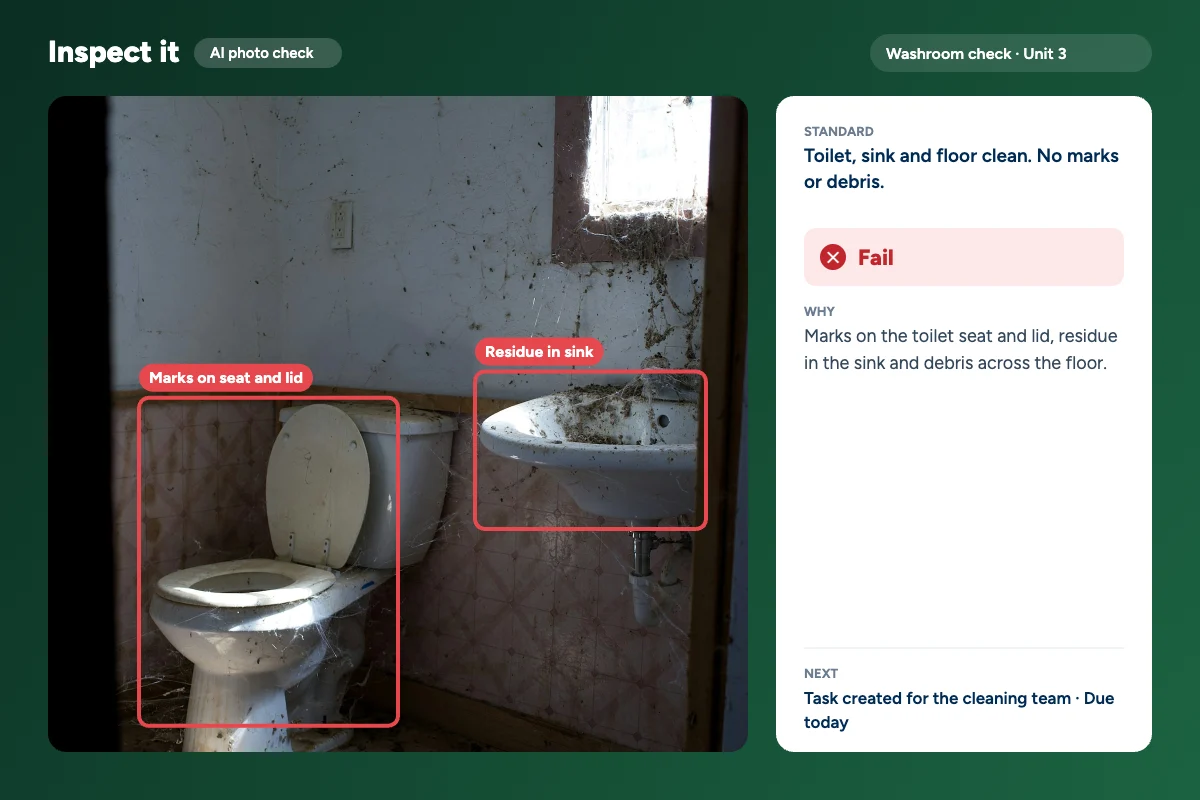
It also doesn’t get tired, which sounds like a small thing until you’ve watched someone go through their fortieth photo at the end of a shift.
Roughly how it splits by industry:
| Industry | AI handles it well | Still needs a person |
|---|---|---|
| Cleaning | Limescale, streaks, full bins, missing soap or paper | Smells, sticky surfaces, which products were used |
| Short-term rental and property | Beds made, towels and amenities in place, visible stains and damage | Musty smells, appliances that don’t work, damage under covers |
| Vehicles | Scratches, dents, scuffed alloys, missing parts | Engine noise, warning lights that only come on when driving |
| Food safety | Clean prep surfaces, covered and labelled food, gloves and hairnets | Fridge temperatures, use-by dates too small to read |
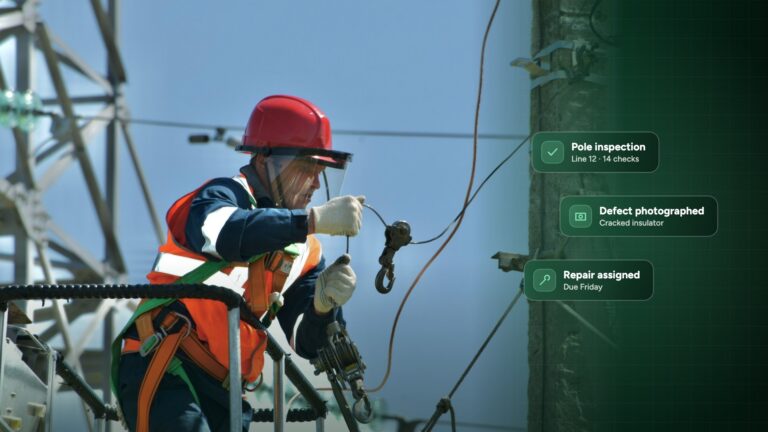
| Facility safety | Blocked exits, missing extinguisher pins, missing signs | Doors that don’t latch, alarms that don’t sound |
Where it falls over
Almost everything it misses isn’t in the picture. It can’t smell a musty flat or hear a fridge that’s too loud. It can’t tell that a tap looks fine but never runs hot, or that a door looks shut but doesn’t latch. It doesn’t know about damage behind the sofa, or that a stain was already logged at check-in unless that record is there.
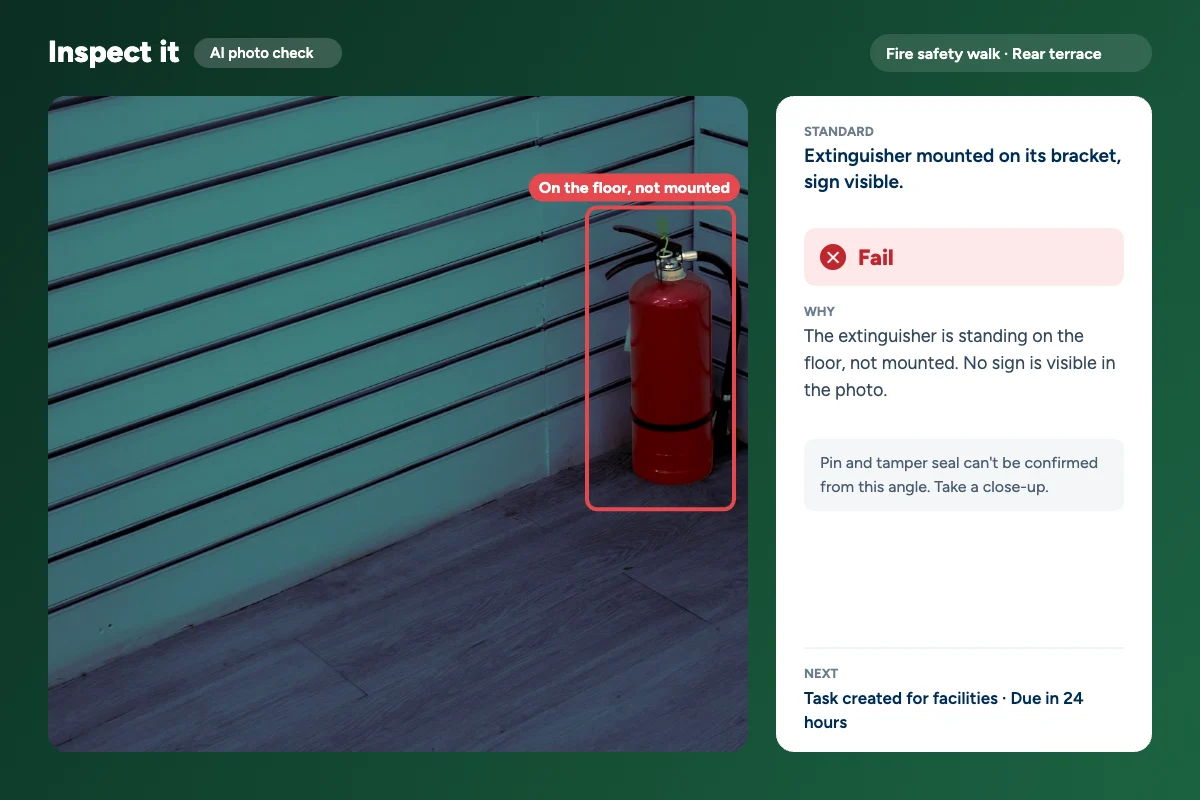
We built it to say when it can’t tell. Above, it can see the extinguisher isn’t mounted, but it can’t see the pin from that angle, so it asks for a close-up instead of guessing.
It gets things wrong the other way too. Reflections on steel and mirrors get read as smears, shadows as dirt, patterned tiles as cracks. When the light’s bad it asks for another photo.
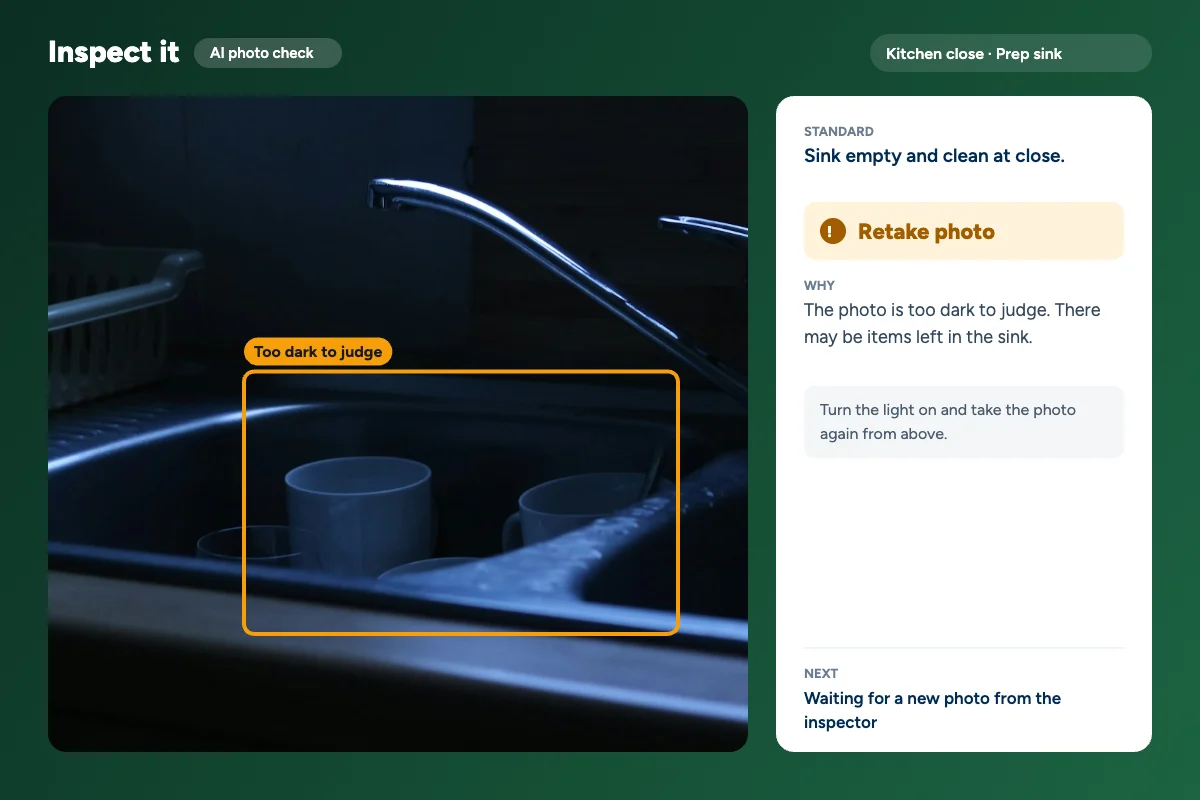
False alarms don’t worry me much. Someone looks, sees it’s a reflection and moves on. A miss is what I care about, which is why a person signs off every report, not the AI.
What makes it work
Most of this turned out to be about how people write checklists. “Clean bathroom” gives the AI, or a new cleaner, nothing to go on. “No limescale on taps, no hair in the drain, mirror without streaks” does.
Take one photo per thing. A wide shot of a kitchen hides the detail; a close-up of the hob doesn’t. Turn the lights on and stand to the side of anything shiny, which gets rid of most false alarms on its own. And let it do the repetitive part. If 40 of your 50 photos look the same every week, that’s where it saves time, and your people can spend theirs on the other 10.
FAQ
Can AI replace an inspector?
No. It can’t smell, touch or test anything, and it doesn’t know the history of a place. Use it as a quick first pass and keep a person on the final decision.
How accurate is AI photo inspection?
It depends mostly on your checklist and your photos. Clear standards, close-ups and decent light make it reliable on visible problems. Vague standards, wide shots and glare are where it slips, so test it on your own photos first.
Is AI inspection secure?
In Inspect it, photos and records are stored in the EU and handled under GDPR. Signed records can’t be edited afterwards.
Try it on your own photos
Don’t take my word for it. Pull 20 or so photos from inspections you’ve already done, write a one-line standard for each, and have your best inspector mark them pass or fail. Then run the same photos through the AI check and see where they agree. Use normal phone photos from real jobs, not the nice ones.
If you want to do that in Inspect it, the free trial is 14 days.
Read next: Inspect AI, our AI inspection software. It turns inspection photos and voice notes into finished reports that your team checks and signs.