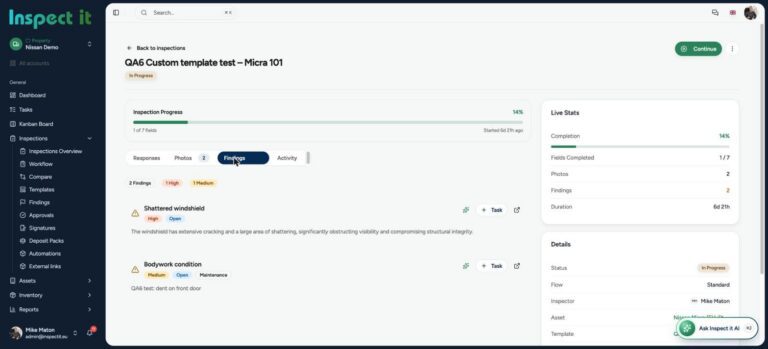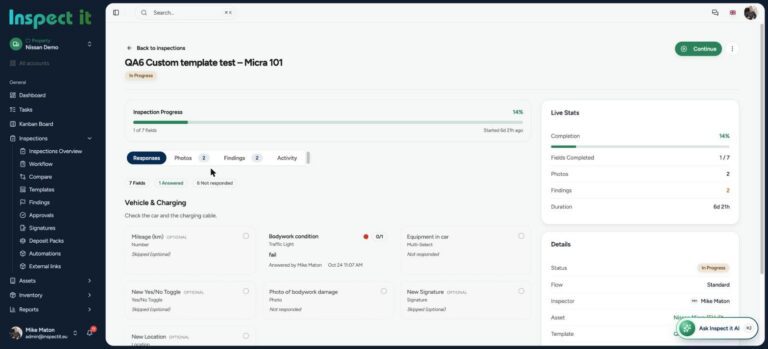


Snagging and defect management is where good projects earn their reputation and bad projects lose money. A single unresolved defect at handover can delay occupation, trigger retention disputes and sour a client relationship that took years to build.
Yet most snagging is still done with a notepad, a camera roll and a spreadsheet that goes out of date the moment someone closes it. This guide walks through the full snagging and defect management process, shows where it typically breaks, and explains how digital tools fix it.

Snag one unit with us
Bring a real unit or floor. You will have the snag report before you leave site.
What is snagging and defect management?
Snagging is the inspection of a completed or nearly completed building to identify defects, omissions and unfinished work before handover. The list of findings is the snag list. Defect management is the broader process of recording, assigning, fixing and verifying those issues, during construction and through the defects liability period.
- Paint and finish defects: scratches, marks, poor cutting-in
- Doors and windows that do not close or seal correctly
- Missing or damaged fittings, seals and trims
- Cracks in plaster, tiling or render
- Electrical and plumbing items not completed or not tested
- Fire-stopping and compliance items incomplete
The snagging process, step by step
1. Pre-snagging walk
The site team inspects before the client does. Catching most issues here keeps the formal snag list short and the client confident.
2. Formal snagging inspection
Each room or zone is walked systematically. Every defect is recorded with a photo, a location, a description, a category and a severity.
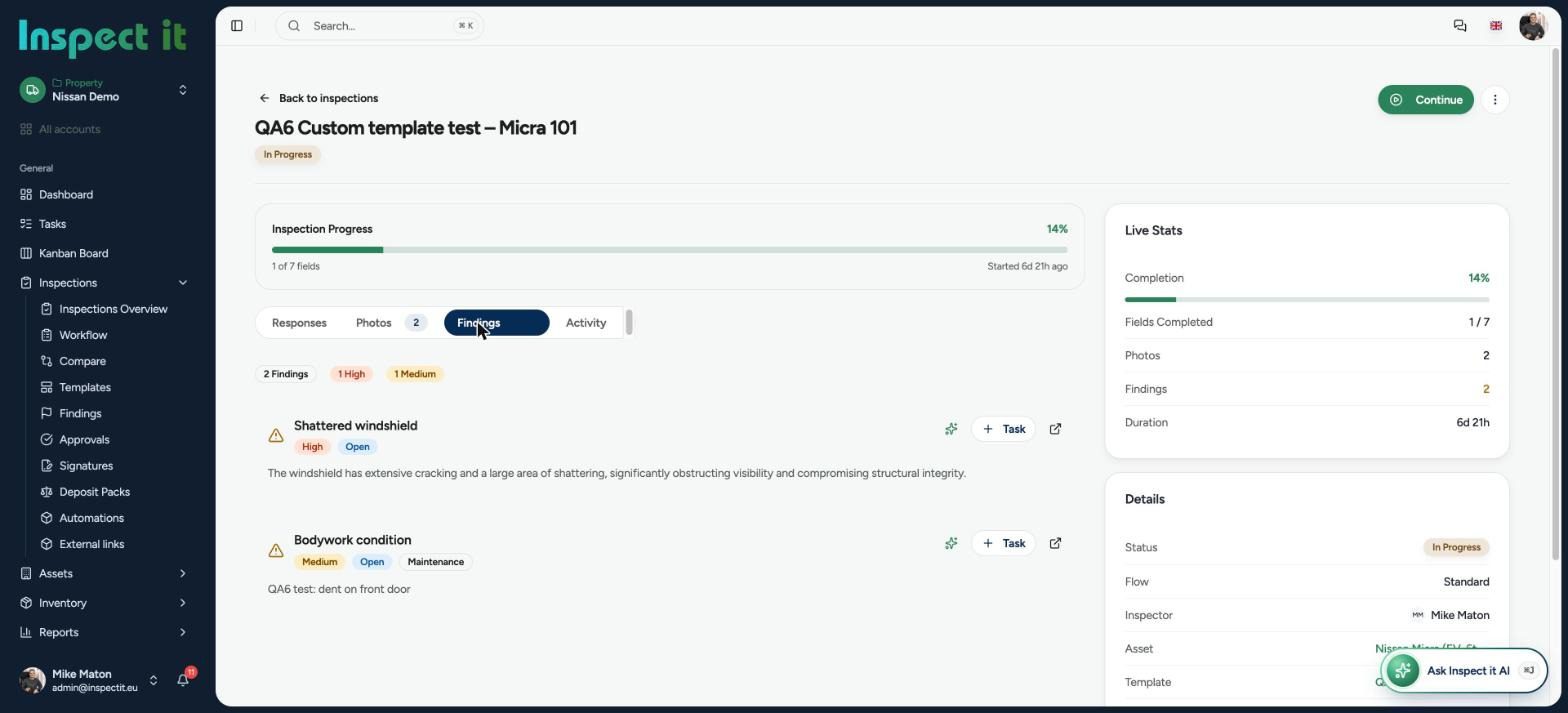
3. Assigning actions
Each snag is assigned to a trade or contractor with a due date. This is where paper fails: the list is emailed, forwarded, printed and annotated until nobody knows which version is current.
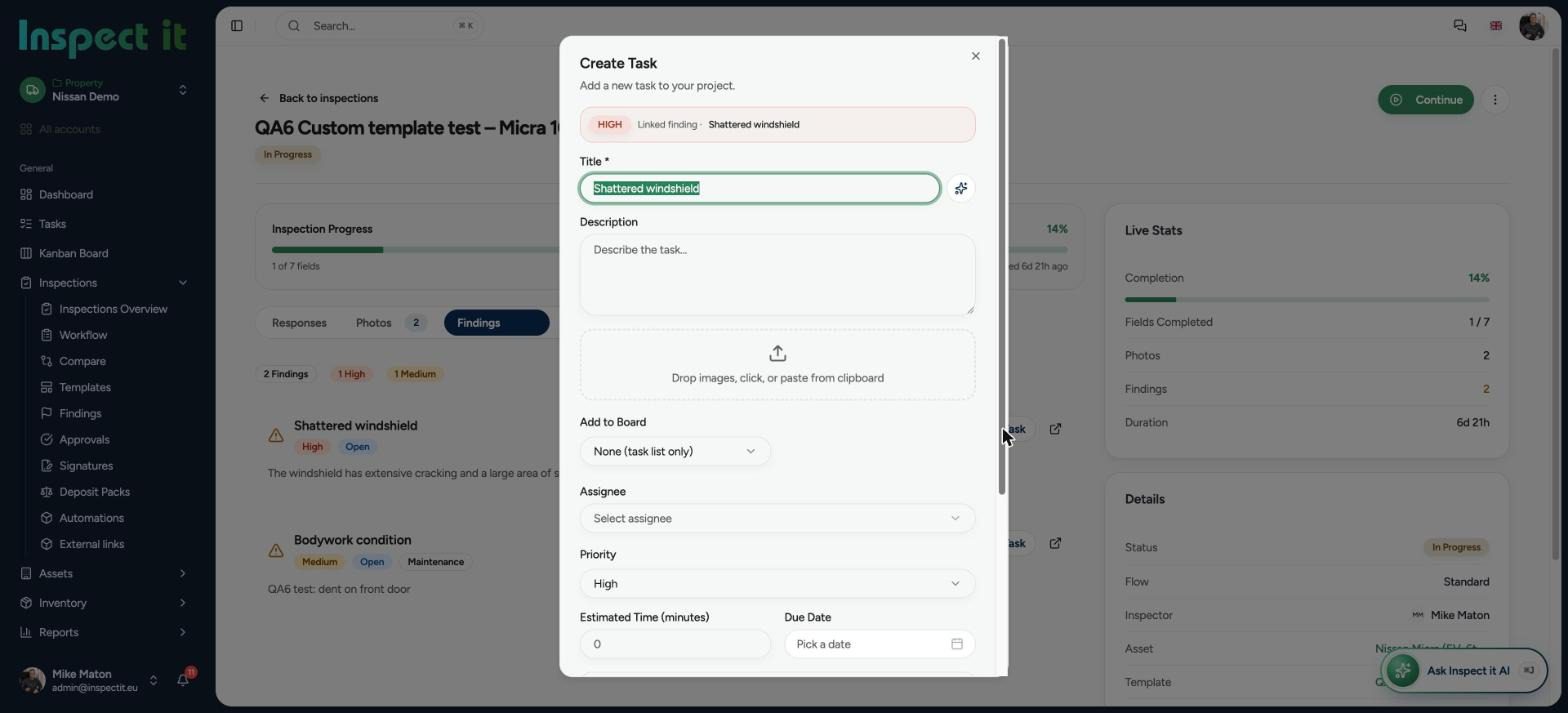
4. Rectification and evidence
The contractor fixes the snag and records the result. The same standard applies as for the original finding: dated, located, clear.
5. Verification and sign-off
The inspector re-checks each item. Closed snags keep their before-and-after evidence. Open items roll into the defects period.
6. Defects liability period
Issues that appear after handover are logged against the same building record, so the full history from first walk to final sign-off lives in one place.
Where snagging goes wrong
No evidence standard. A photo without a date, location or context is easy to dispute. Contractors push back and the argument costs more than the fix.
Version chaos. Multiple spreadsheets, multiple emails, no single source of truth.
No ownership. Snags without a named person and a deadline do not get fixed.
No closure proof. Items are marked done without an after photo, then reopened at handover.
No history. When a defect reappears in year two, nobody can find what happened in year one.
How digital snagging fixes it
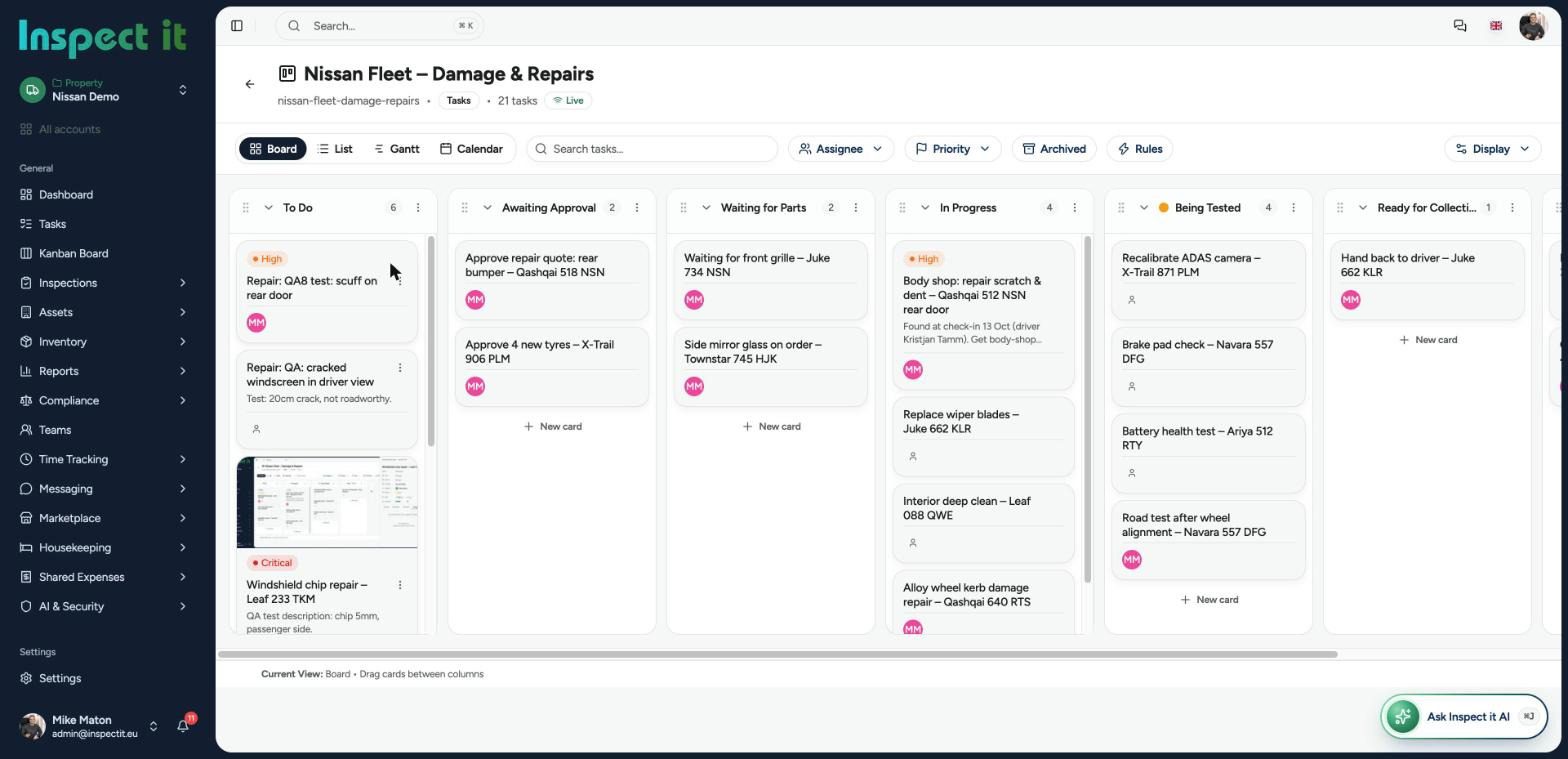
Photo evidence by default. Every snag carries a time-stamped photo. Disputes drop because the evidence is unambiguous.
One live list. Everyone works from the same record. There is no version two.
Assigned actions with deadlines. Each snag has an owner. Overdue items are visible on a board, not buried in an inbox.
Proof of closure. A snag is closed with completion evidence, so handover disputes shrink.
Reports in minutes. The snag report is generated at the end of the walk, with AI-assisted text so descriptions stay consistent across inspectors.
Full building history. Every inspection, snag and fix stays attached to the building.
What to look for in snagging software
- Keeps working on site when the signal drops
- A photo on every snag, with markup
- A way to pin or describe the exact location
- Assigning work to external contractors
- Severity, category and trade tagging
- A before-and-after workflow for closing items
- Automatic branded PDF reports
- A dashboard across projects
- Clear answers on GDPR and where data is stored
- Templates you can edit without a consultant
Ready to retire the snag spreadsheet?
Run your next handover inspection digitally and compare it with the last one.
Free handover inspection checklist
Use this room-by-room checklist as a starting point and build it into your own inspection template.
Every room
- Walls: finish, cracks, marks, cutting-in
- Ceilings: finish, cracks, fittings
- Floors: level, finish, skirting, thresholds
- Doors: operation, seals, ironmongery, stops
- Windows: operation, seals, glazing, trickle vents
- Electrical: sockets, switches, lighting tested
- Heating: radiators, thermostats, operation
Kitchens and bathrooms
- Units: alignment, doors, drawers
- Worktops: joints, sealant, damage
- Sanitaryware: fixed, sealed, tested
- Tiling: grout, alignment, cracks
- Extraction: operation
External and common areas
- Roof, gutters, downpipes
- Render, brickwork, pointing
- Paths, drainage, boundaries
- Fire doors, signage, emergency lighting
- Meters, services, labelling
More templates: free inspection checklists.
Snagging in the Baltics and Nordics
Construction teams in Estonia, Latvia, Lithuania, Finland and Sweden deal with the same handover pressures as anywhere else, plus local-language needs. Inspect it is built in Estonia for European teams and handles snagging and defect management alongside every other inspection type in one platform. See how it works for property developers.
Free checklist templates
Print these or run them in Inspect it:
Frequently asked questions
What is the difference between snagging and defect management?
Snagging is the inspection that produces the list. Defect management is the whole lifecycle of recording, assigning, fixing and verifying defects, including after handover.
Who should do the snagging inspection?
Ideally the site team first, then the client or an independent inspector. Digital tools make both lists comparable.
How many snags are normal?
It depends on the size and quality of the project. What matters more than the count is how quickly each item gets an owner and a closing photo.
Can contractors be given snags directly?
Look for a tool that lets you assign items to the people who will fix them, so nothing has to be retyped into an email.
How long should snagging take?
The walk takes as long as the building needs. The saving with digital snagging is the write-up, which largely disappears.
Related guides: building inspection software and asset inspections for property and facility managers.
Run your next snagging inspection digitally
Snag one unit this week and see the report before you leave site.